



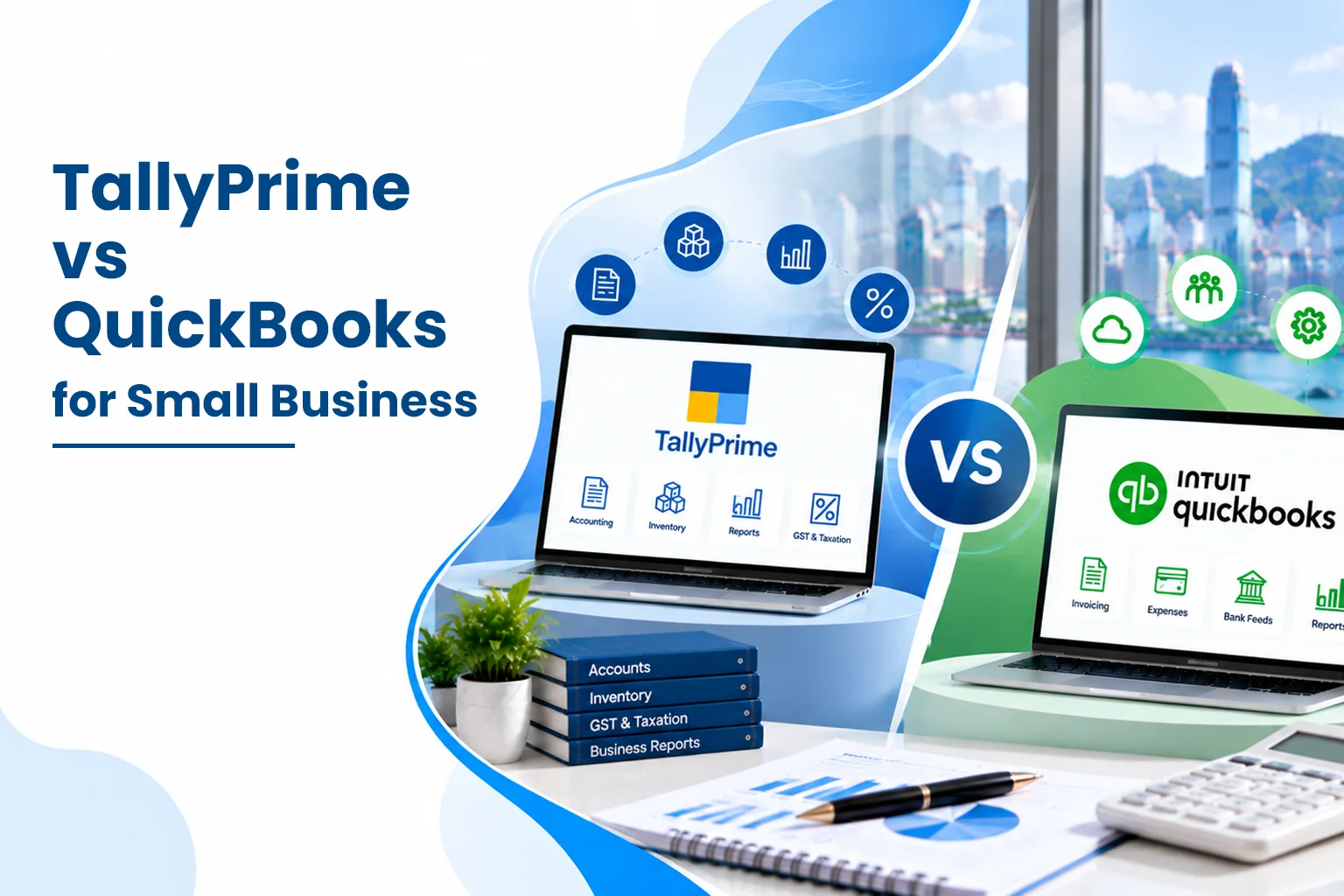
A finance system can either take away the day-to-day stress on a founder, or it can add a new job to be done. However, when it comes to TallyPrime vs QuickBooks for small business. It is not always clear which software provides more features. It’s all about how you sell, handle payments, keep track of inventory, interact with advisers and retrieve data from various places.
TallyPrime and QuickBooks address the fundamental issues of many small businesses. But accurate and reliable financial records and the ability to produce clear management information that is based on core accounting principles. Their working styles are different, however. Generally, TallyPrime is preferred by businesses that require in-depth visibility of entries, inventory, and other business processes. QuickBooks will be the choice of organizations that have a commitment to collaboration and cloud access, as well as an easy and simple start.
TallyPrime vs QuickBooks for small business: the practical difference
TallyPrime is a business management and accounting system mainly for desktop applications. It is based on organized accounting details, voucher entry, stock management, reporting, as well as programmable workflows. A business can include a lot of information in one system, such as ledgers, items of stock, cost centres, outstanding balances, etc. This may be particularly useful when an owner needs to be aware of not only sales, but also which products, store, or department is responsible for sales.
QuickBooks is cloud-based, particularly the online versions. Records can be accessed and modified by using a web browser or a mobile app, enabling the founders, bookkeepers, and third-party financial assistance to be at different locations. It can be easier to use its interface for a new user, especially when the company does not have a complex requirement to keep a record of expenses, bank transactions, and invoices.
Both of these methods are not per se better. TallyPrime might be more appropriate with a trading company that has numerous stock lines and processes that it wants to control. QuickBooks may be a more suitable choice if you are a small consultancy company with limited staff and are able to send online bills and work remotely.
How each system fits everyday operations
The best accounting software will be the one that is reflective of how the work is done. When making the selection, take into account who enters transactions, how frequently records are accessed, and the amount of detail a business requires to keep.
TallyPrime for control and operational detail
TallyPrime can be beneficial for companies that want to have a more orderly approach to their finances than just a simple listing of cash inflows and outflows. Defining types of vouchers helps to create uniformity if vouchers are to be followed in the same way by staff. It also provides for detailed stock management, such as units of measurement, various pricing policies, stock movement reports, etc.
It is useful for wholesalers, distributors, retailers, manufacturers, and businesses that have a longer purchase and sales cycle. If a business has to keep track of stocks, connect stocks to financial records, and create custom reports, TallyPrime can offer a more solid basis for business operations than a more lightweight cloud-based package.
The downside: It’s a gift that requires attention. Basic processes such as ledgers, inventory groups, user permissions, and reports should be well thought out before implementation. Even a good system can be hard to understand without that foundation. The discipline of training and the continuous bookkeeping of the software is important rather than the brand of the software.
QuickBooks for accessibility and collaboration
QuickBooks was created to help you with the financial aspects of your business every day. The owner of a business can create the invoice, enter expenses, monitor cash flow indicators without using a single office computer and provide access to the bookkeeper. This flexibility can make a difference to a founder visiting a lot or having employees at various addresses.
Feeding bank details into a system and the automatic transaction suggestions can help minimize manual data entry. But automation is only useful when it’s reviewed. A mismatched transaction may mislead expenses, tax reporting, and management reports. Even though the volume of transactions is small, small businesses should still have an approval process and regular recon.
For service companies, freelancers, agencies, and start-ups with fairly straightforward stock needs, QuickBooks may be a good choice. There should be a re-evaluation of whether the software is providing sufficient control for the business as the volume of transactions, complexity of inventory, or reporting requirements increase.
Cost is more than the subscription fee
QuickBooks typically charges a subscription fee, based on the plan and user needs, which is usually paid monthly. This will lead to a predictable presentation of the initial investment, but the annual presentation of the fee must be established as part of the annual operating budget. Additional software, payroll functionality, extra users, and other special applications can raise the overall price.
TallyPrime is typically delivered under the licence model, and the exact pricing is dependent on the TallyPrime edition, users, and support needs. The initial architecture might be appealing to business owners who want to have more control over their company and prefer that the main accounting software features aren’t solely based on a cloud-based monthly subscription. Some implementation costs, upgrade costs, support costs, and remote access costs may still apply.
A more appropriate comparison is the total cost of ownership. Think about the time to set up, employee training, bookkeeping support, data transfer, reporting requirements, and the problem of having to fix bad records later. If it takes a workaround each week or the owner cannot access the information to make decisions, it isn’t cost-effective to choose an economy package.
Data access, security and business continuity
QuickBooks is cloud-based, and that’s one of its benefits as far as collaboration is concerned. The business should also be careful in assigning roles to users, apply strong passwords, and, if applicable, add multi-factor authentication. Employees and service providers leaving the premises should have their access reviewed.

Now the business has more control over the storage and backup of data in TallyPrime. This may be a reassuring option for owners who want to establish a records process. But it also has responsibilities, regular backups and practicing them. The risk is high in the absence of a reliable backup system and if the files are only stored on one computer.
For some organizations, local and cloud are not that cut and dried. TallyPrime can be configured to accommodate appropriate remote access and backup mechanisms, and QuickBooks can be backed up with appropriate internal controls. The best option will be the one your business can sustain and remain secure.
Reporting and support for Hong Kong businesses
Whilst software can aid in the accurate keeping of books, it should not obstruct professional judgement or an organised compliance process. Records that are necessary to prepare financial statements, tax work, and statutory reports are required for Hong Kong businesses. The system should then be able to post the invoices, expenses, bank movements, customer balances, and supplier balances in an understandable, traceable way along with relevant documents.
TallyPrime is especially useful if a business wants a particular set of ledgers and reports, which are organized in a specific way. QuickBooks is good for owners looking for dashboards and standard reports that are easily reviewed on a regular basis. Note that in both cases the output quality will be dependent on the quality of the entries.
Complete a Chart of Accounts, set up approvals, an Expense Policy, and a closing date for the month before implementation. This provides your bookkeeper and external accounting assistance with a trusted model. Also, it avoids the usual scenario of updating records only at the end of the year when problems are more difficult and costly to correct. Harder and more expensive to resolve.
Which choice makes sense for your business?
TallyPrime is suitable for businesses that require strong stock management, comprehensive transaction logging, tailored reporting, or a financial solution designed to scale alongside more organised workflows. It is a serious choice for owners who don’t mind depth and want to define rules.
Opt for QuickBooks when cloud access, ease of collaboration, mobile visibility, and ease of adoption are top priorities. It can be suitable for companies that have simple transactions and employees who require examining records but don’t have to be in the same location.
The selection of the individuals who are behind the system is also a factor. Switching to another bookkeeping software could lead to unnecessary disruptions if the business has an inventory requirement and the bookkeeper is already familiar with TallyPrime. Cloud-based solutions might save some time if your founder and finance support are located remotely and need to be connected at least every day.
Years of frustration can be avoided by conducting a process review prior to the commitment. Figure out the sales process, buying process, inventory required, approvals, and reports, and then compare each platform to what’s really going on. GEEKAYSYS can help the owner of a business develop an accounting process that is customized to his or her business model, rather than the software installation.
Choose the system that gives you a process your staff will follow, good records, and visibility that are helpful. That is why accounting isn’t a problem anymore; it’s a catalyst for continual growth.
FAQ
1. What is the main difference between TallyPrime and QuickBooks for small businesses?
Quickbooks is more cloud-based, easy to use, collaborative, and more oriented towards detailed accounting and inventory, TallyPrime is more oriented towards detailed accounting and inventory.
2. What is the best accounting software for small businesses in Hong Kong?
Whereas if the business is more of a service business than a business with a more complex inventory, QuickBooks may be more appropriate for the business’s needs, and TallyPrime may be more appropriate for a business that is more complex in inventory.
3. How do core accounting principles help small businesses?
Appropriate accounting rules contribute to the accurate accounting of transactions, consistency of accounting, reliable financial reporting and financial decision-making.
4. Is TallyPrime cheaper than QuickBooks?
Factors such as licensing or subscription fees, user needs, user implementation, upgrades. And need for ongoing support can all impact the total cost.
5. Can QuickBooks and TallyPrime help with financial reporting and compliance?
If set up correctly with the right accounting controls they can both be configured and maintained to help with financial reporting and organised record keeping.